
Apps › CloudBridge
CloudBridge: SFTP Transfer
SFTP client & SSH file manager for Mac
 🔒 Direct to your server
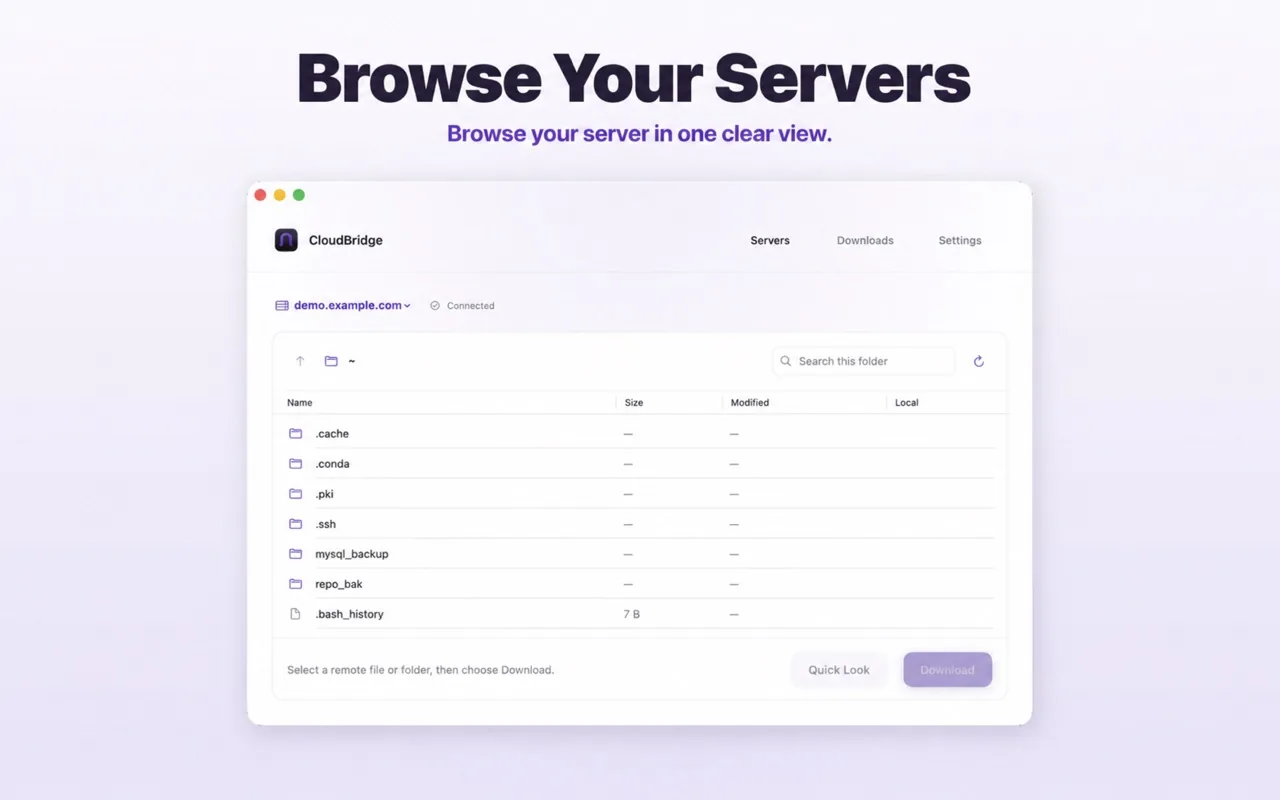
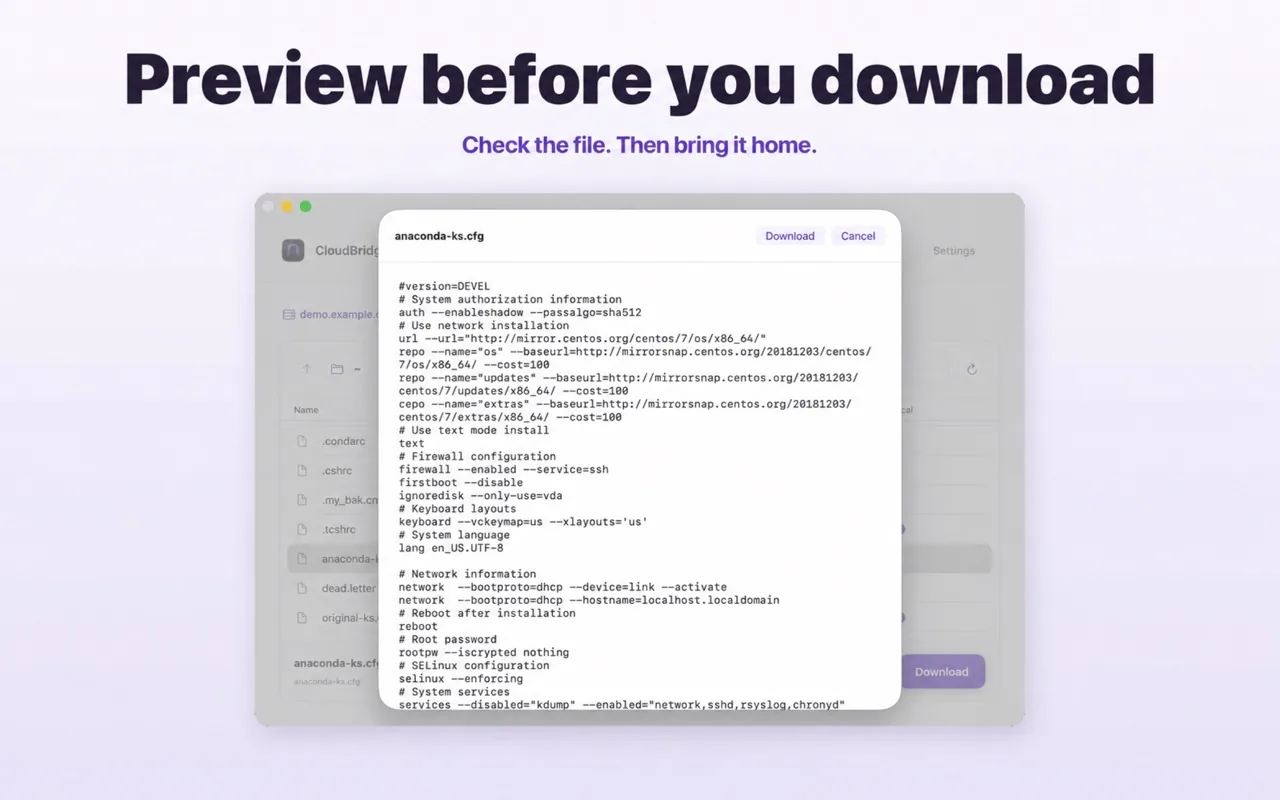
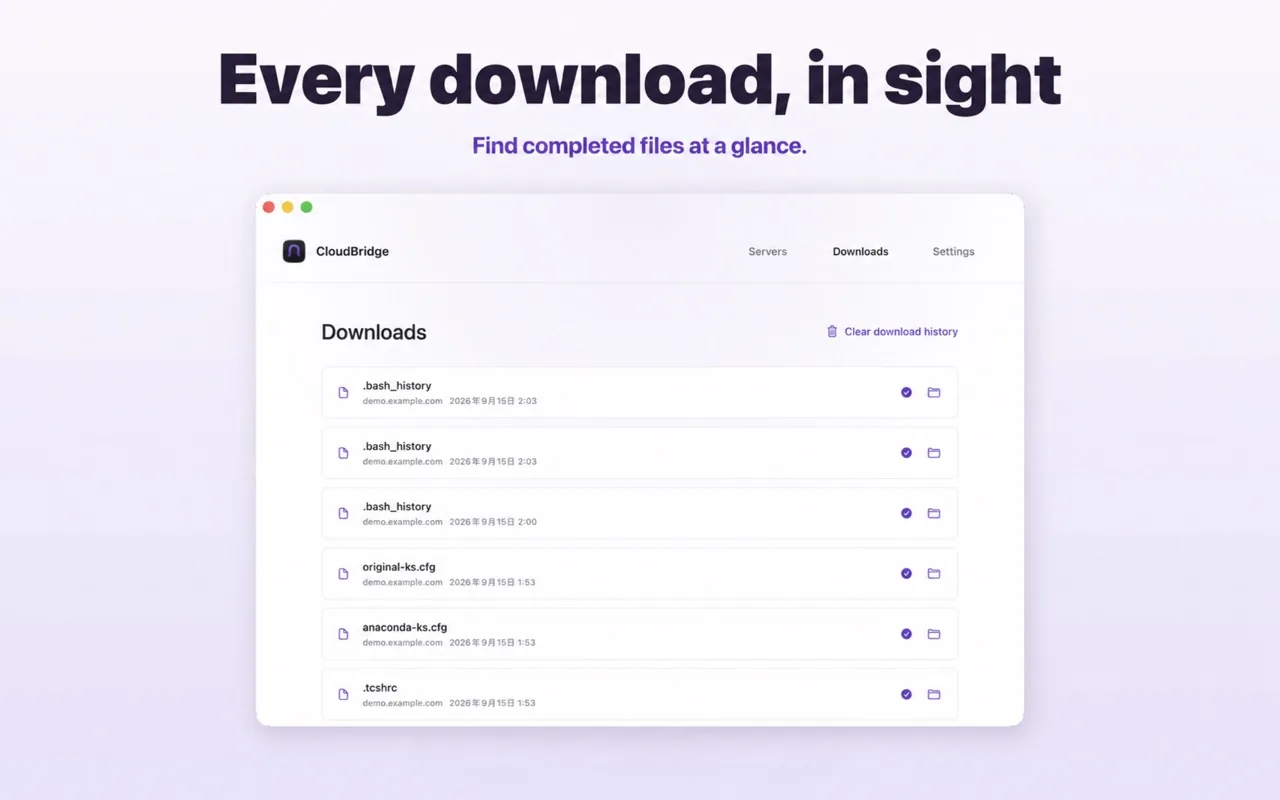

A focused SFTP client for Mac. Connect to servers you control, browse remote folders, preview files with macOS Quick Look, and download files or folders directly to your Mac.
Everything you need. Nothing you don’t.
SSH / SFTP connections
Password-based connections to servers you control.
Browse & search
Navigate and search remote folders.
Quick Look preview
Preview remote files before downloading.
Files & folders
Download single files or whole folders.
Full transfer control
Pause, resume, cancel and retry downloads.
Reveal in Finder
Jump to completed downloads instantly.
Who it’s for
- Developers
- System administrators
- VPS and NAS users
- Anyone who wants a simple, native SFTP client
🔒 Privacy at a glance
- No account system, ads, analytics or tracking SDKs
- Connects directly from your Mac to your server
- Saved passwords protected in macOS Keychain
Frequently asked questions
Do I need a CloudBridge account?
No. CloudBridge connects to servers that you provide and control.
Where are passwords stored?
Saved server passwords are stored securely in macOS Keychain and are retrieved locally when CloudBridge connects to that server. The password is sent only to that server through SSH.
Why do folders show size as “-”?
Remote directory sizes can be misleading on SFTP servers, so CloudBridge shows “-” for folders instead of a fixed placeholder size.
What do I need to run it?
macOS 14 or later.